.svg)



Turn your small business data into decisions with the right dashboard solution that fits your small business needs.

TL;DR: Fabi now connects to your data sources across multiple platforms through new application connectors (starting at $100/mo after free trial). The update includes a streamlined home interface that reduces clicks between questions and insights, making it faster to start analyses. Additional resources include podcast appearances discussing the future of data science and AI product development, a tutorial on connecting Fabi's AI Analyst Agent with Claude Desktop or others via Fabi MCP, and an upcoming live demo on automating data workflows across Google Sheets, Slack, and email.
Your data lives everywhere. Now you can talk to it from anywhere.
From day one, our goal has been simple: help teams find and share insights incredibly fast, no matter where it lives. Today, we're making that vision a reality with our new application connectors. Most companies have data scattered everywhere: databases, CRM tools, product analytics platforms, marketing systems, and dozens of other apps. Now you can connect them all, from Amplitude to Stripe and everything in between.
This is our biggest unlock to date, and it’s available right now.
We're excited to see what you'll build in Fabi with all your data finally connected.
Pricing details: Application connectors are part of the free trial and start at $100/mo afterwards.

Fabi is the fastest way to do any analysis and we strive to remove as many clicks as possible. We've streamlined how you kick off an analysis in Fabi to eliminate the friction between having a question and finding an answer.
What's new:
The result? You spend less time navigating menus and more time exploring your data. Whether you're building a new dashboard, running an ad hoc query, or picking up where you left off, the new home experience gets you there faster.

In the recent episode of the Data Neighbor Podcast, Lei, one of our co-founders and CTO, shares why the future of data science isn't about who writes the best code but about who understands the business and asks the right questions. As AI transforms how we work with data, the human skills of curiosity, context, and critical thinking become more valuable than ever.
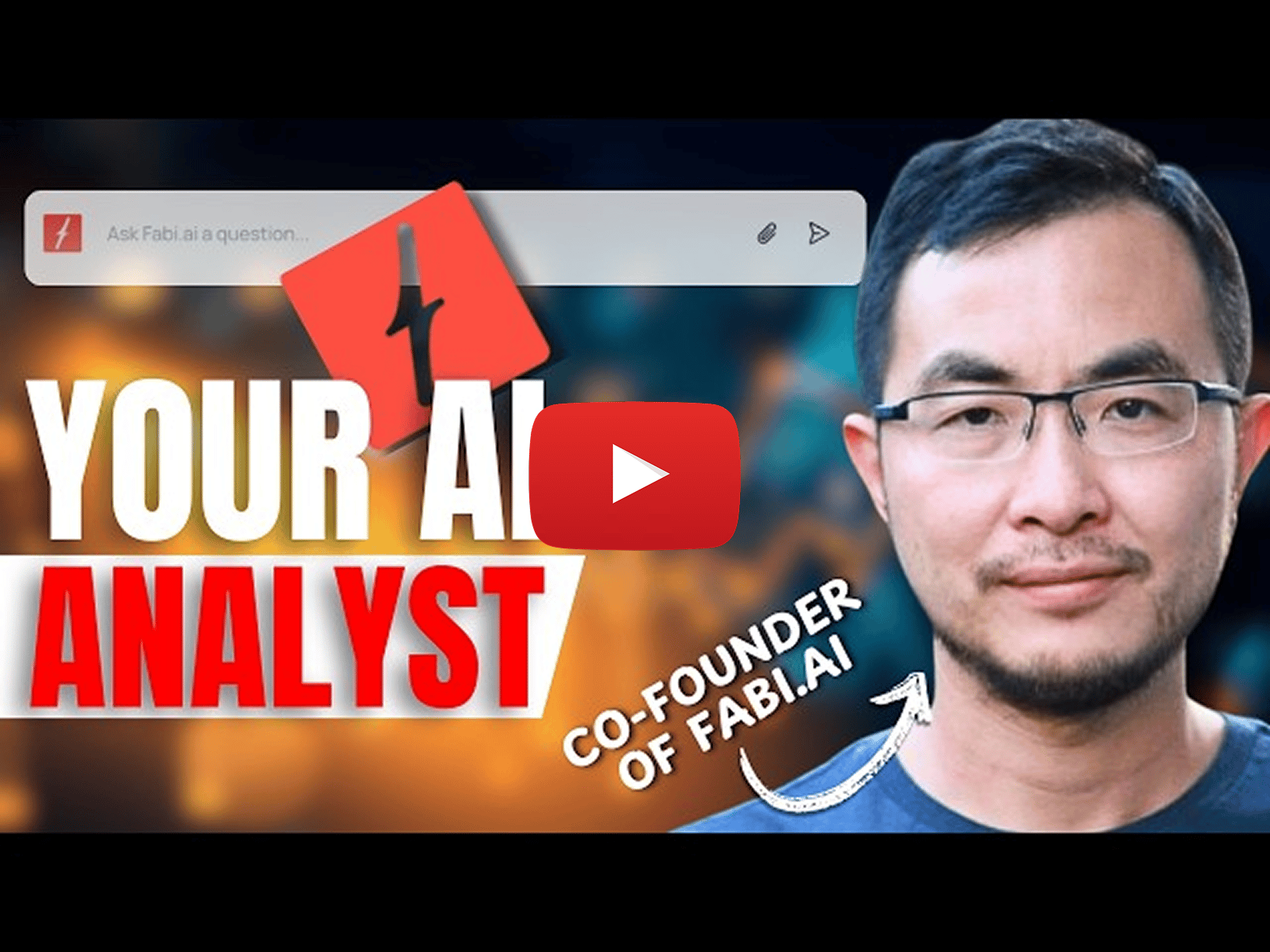
Lei also joined a conversation about building AI products on Timothé Frin's documentary series. The episode features insights from leaders at OpenAI, Google DeepMind, YC, and more, all discussing how AI is reshaping how we build products. Lei's key insight: AI tends to "boil the ocean." Without explicit guardrails, it will try to refactor everything instead of solving the specific problem at hand. This speaks to something we think about constantly at Fabi: how do you give AI enough freedom to be powerful, but enough structure to stay focused?

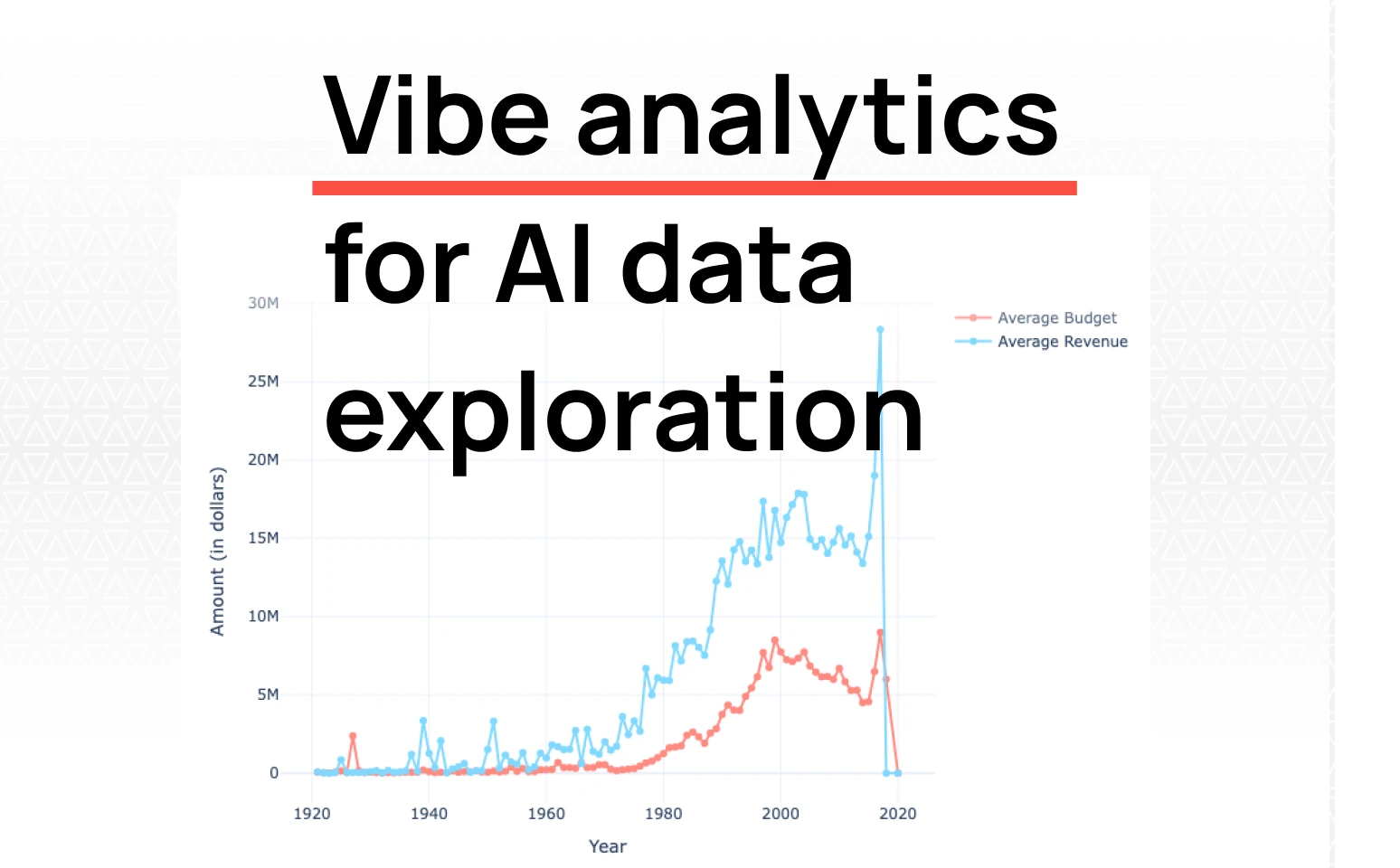
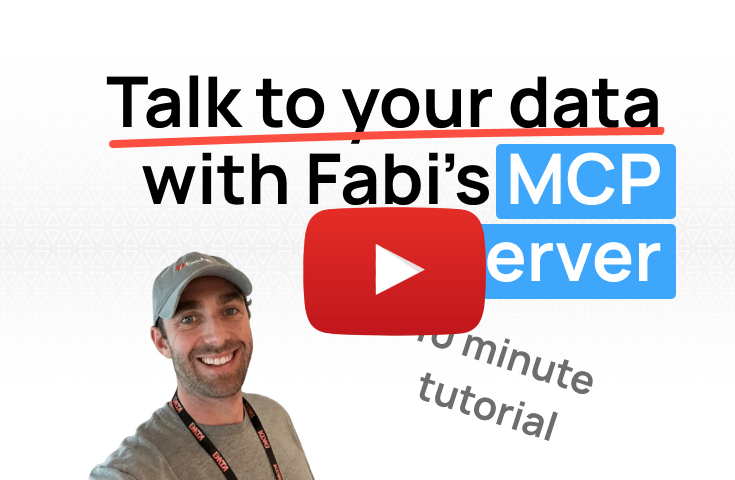
Stop waiting for dashboards or writing SQL queries. This step-by-step video tutorial shows you how to connect any database to Fabi's AI Analyst Agent and integrate it with Claude Desktop via MCP for instant ad hoc analytics.
What you'll learn:
Perfect for founders who need quick metrics, product managers exploring user behavior, or anyone who wants to move faster without learning SQL.
Most teams drown in data but starve for insights. Workflows solve this by sending the right information to the right people at the right time.
In this hands-on session, we'll build three real workflows together:
This session is for product managers monitoring metrics, sales managers tracking pipeline health, or founders keeping tabs on customer acquisition. You'll see exactly how to automate insights that move your business forward. Register now